
How Architects Log Toilet Partition Hardware Decisions in BIM Models
Quick project answer
Toilet partition hardware BIM coordination is not a single software task. It is a documentation discipline that connects design intent, product data, and site installation. Architects and contractors use BIM models to log decisions about layout, door operation, support interfaces, and cleaning access. The goal is a coordinated record that project teams can review before procurement and installation.
This article outlines an evidence-bounded approach to logging those decisions, using only confirmed product category facts and clearly marking where project-specific evidence is required.
Why Hardware Decisions Need a BIM Log
In commercial toilet cubicle projects, hardware choices affect door swing, privacy, maintenance, and cleaning routines. When these choices live only in meeting notes or email threads, they are easily lost. A BIM log creates a visible, reviewable trail. It helps architects, contractors, and owners see what has been decided and what still needs confirmation.
However, a BIM log is not a substitute for approved technical evidence. It should reference the source of each decision, such as a project specification, a shop drawing, or a manufacturer’s confirmed data sheet. Without that link, the model may imply performance or compatibility that has not been verified.
What Counts as a Hardware Decision in the Model
Hardware decisions in a toilet partition BIM model typically include door hinges, latches, keepers, support legs, headrails, and mounting interfaces. Each item has a location and a relationship to the cubicle panels and the building structure. The model can show these relationships, but it should not invent dimensions, load capacities, or material compositions.
For example, a model may show a door swinging outward, but the door width, hinge type, and fixing method must come from approved project documents. The BIM element can carry a parameter noting “hardware type: to be confirmed” rather than assuming a specific product.
Separating Generic References from Project-Specific Data
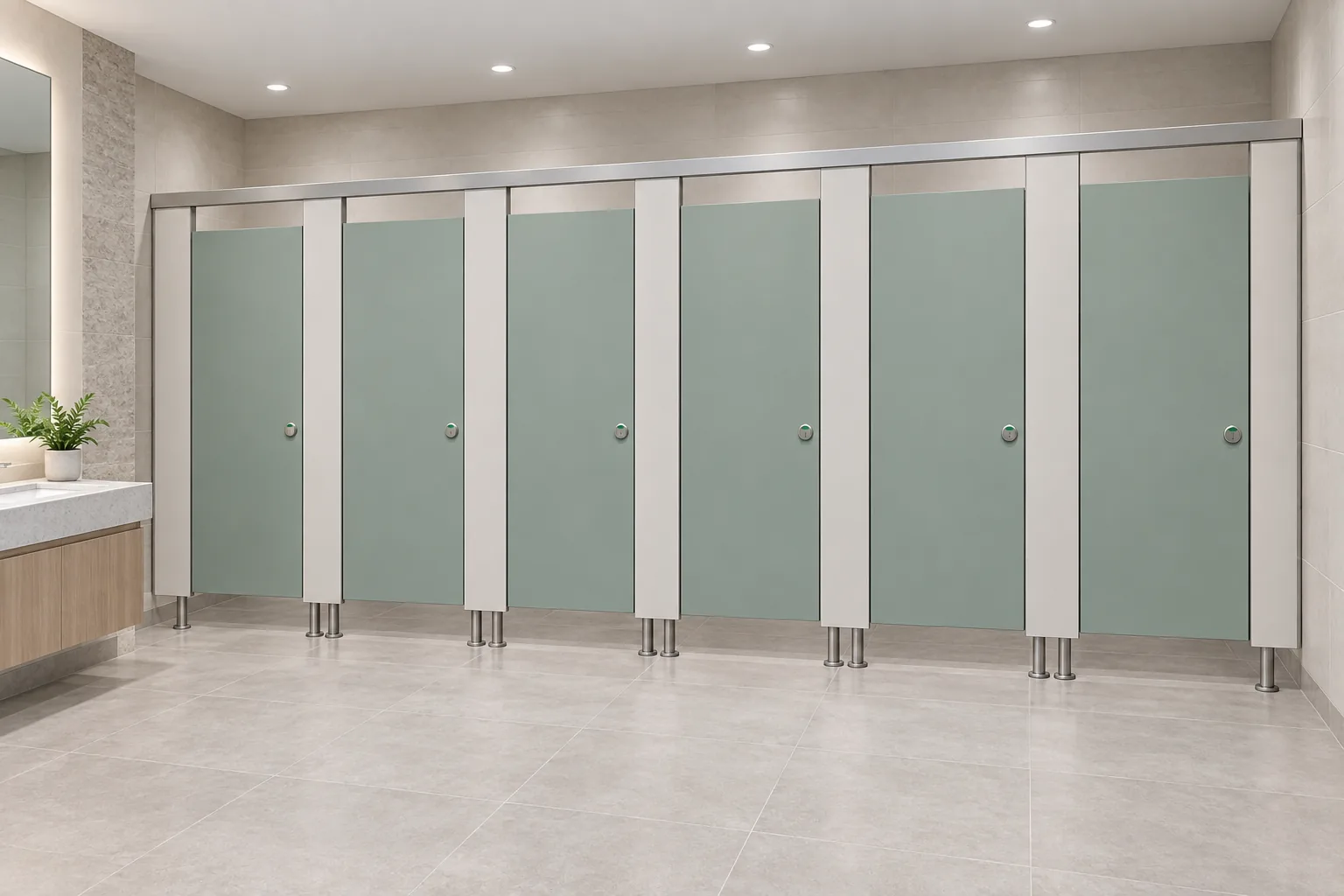
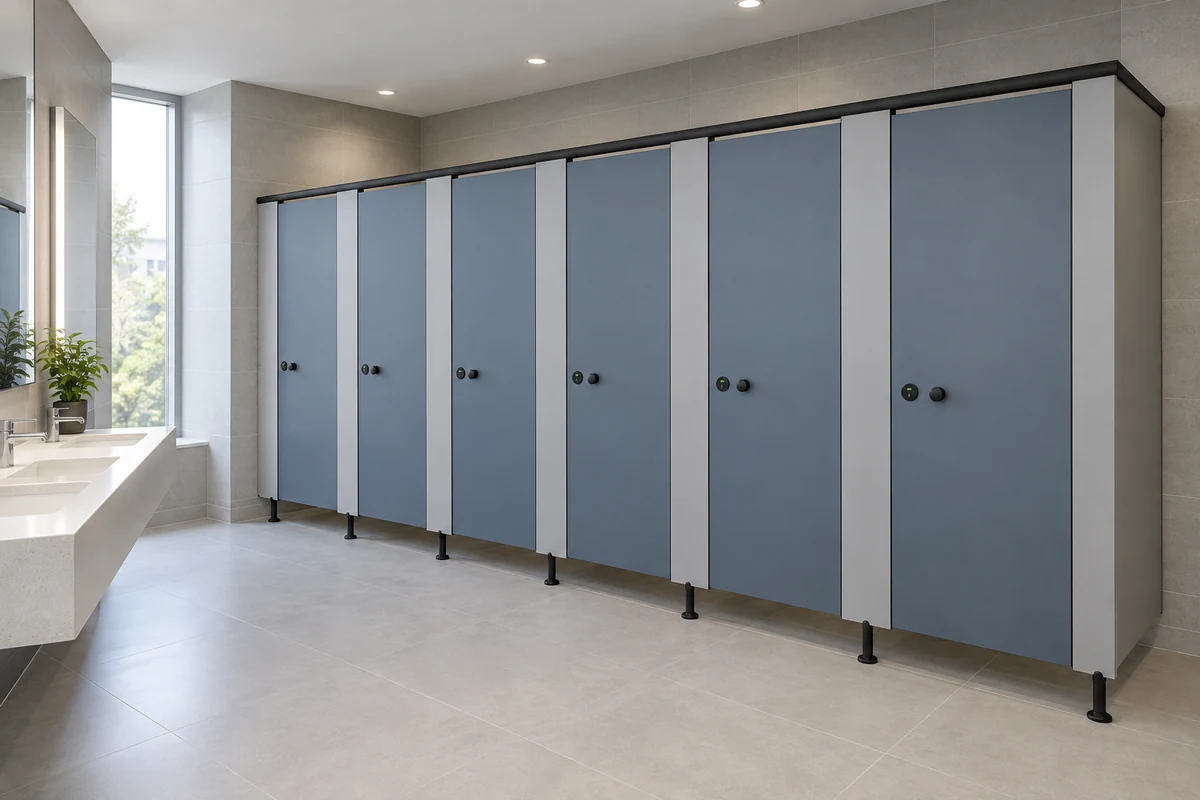
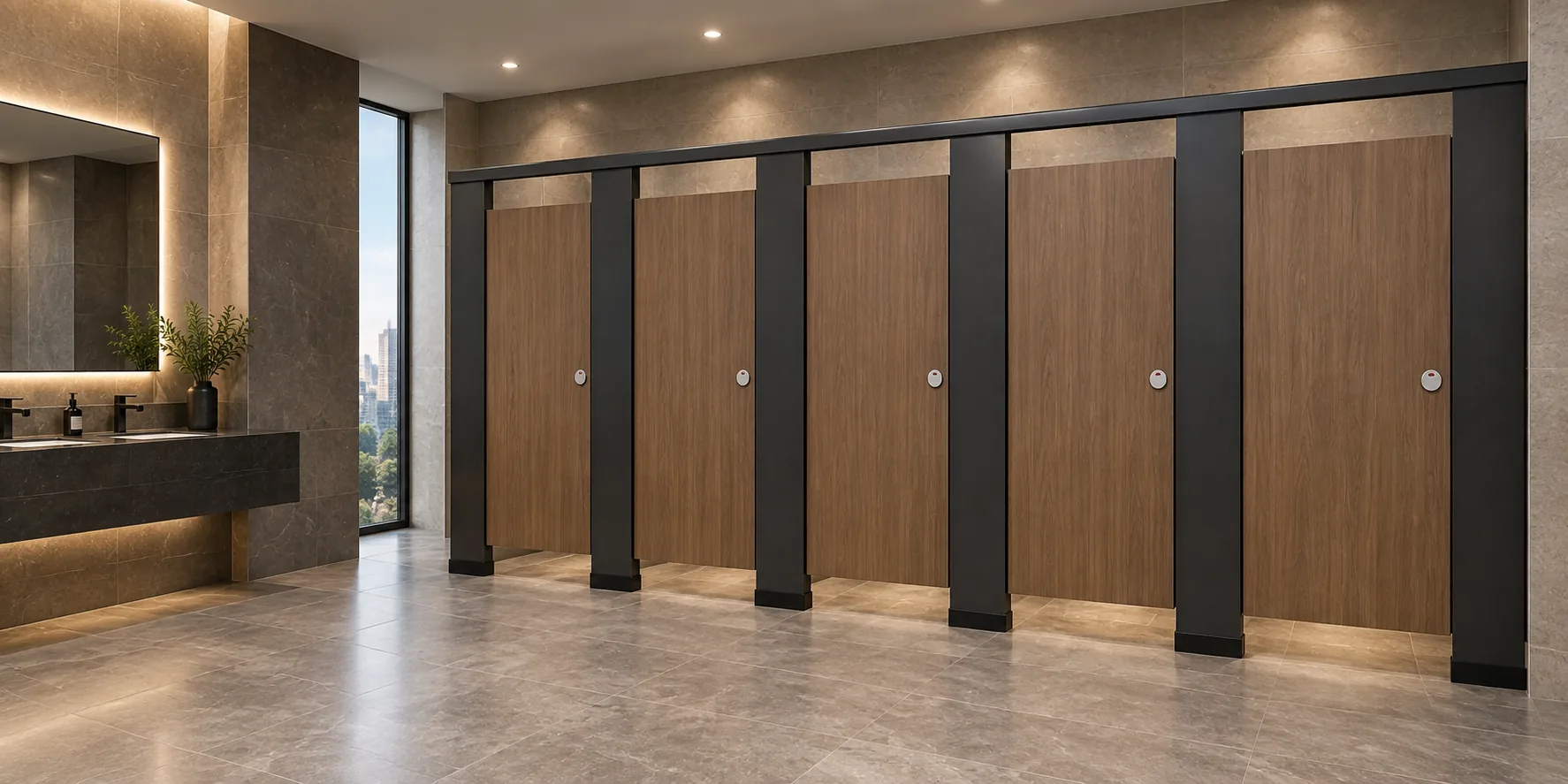
Illustrations and generic BIM families are useful for spatial coordination. They show typical arrangements and help teams discuss layout. But they are not evidence of a completed EBUNGE project or a verified configuration. Any project-specific material, hardware, dimension, finish, mounting, or rating requires matching approved technical evidence.
A Step-by-Step Coordination Workflow
The following numbered process helps teams log hardware decisions without overstepping evidence boundaries. It is a planning aid, not a compliance guarantee.
- Define the coordination scope. Identify which toilet rooms, cubicle types, and hardware categories will be modeled. Note that EBUNGE product category includes commercial Toilet Partition / Toilet Cubicle.
- Assign a decision owner. For each hardware item, name the person or role responsible for confirming the final choice.
- Create a parameter set. Use custom parameters to record decision status, evidence source, and review date. Avoid filling parameters with unverified values.
- Link to approved documents. Attach or reference the specification section, shop drawing, or technical submittal that supports the decision.
- Run clash and interface checks. Review support interfaces with walls, floors, and adjacent fixtures. Flag any unresolved conflicts.
- Record privacy and door operation. Document door swing, latch position, and privacy gaps as design intent, pending project-specific confirmation.
- Review cleaning and maintenance access. Note how cleaning staff will access the cubicle and whether hardware allows routine maintenance.
- Freeze the log before procurement. Once decisions are confirmed, lock the parameters and issue the model for coordination.
Evidence Boundaries for BIM Parameters
BIM parameters can easily become a place where unverified claims accumulate. To avoid this, treat each parameter as a claim that needs a source. If a parameter states a material, dimension, or rating, there must be approved technical evidence behind it.
Do not treat HPL, compact laminate, phenolic, or stainless steel as interchangeable. Each material has its own characteristics, and the model should not infer hidden construction from an illustration. Similarly, do not describe toilet cubicles as movable operable walls or introduce suspended wall travel, stacking, or parking mechanisms.
An Evidence Note for Model Managers
Any project-specific material, hardware, dimension, finish, mounting, or rating requires matching approved technical evidence. Illustrations show generic design references, not completed EBUNGE customer projects.
Reviewing Layout, Privacy, and Door Operation
Layout review in BIM should focus on clearances, sightlines, and door swing. Privacy review considers gaps between panels and doors, as well as latch engagement. Door operation review checks whether the door can open and close without obstruction from fixtures or adjacent cubicles.
These reviews are design coordination activities. They do not assert compliance with any local code or standard. Applicable local requirements must be verified separately by the project team.
Support Interfaces and Cleaning Documentation
Support interfaces include the connections between cubicle panels and the building structure, as well as any floor-mounted or ceiling-braced supports. The project team should confirm project-specific requirements against the relevant approved technical evidence.
Cleaning documentation in the model might include notes on access panels, removable components, or clearance zones for cleaning equipment. These notes help facility teams plan maintenance, but they should not promise antimicrobial or waterproof performance unless verified.
Common Pitfalls in Toilet Partition Hardware BIM Coordination
One common pitfall is copying hardware parameters from a previous project without checking current evidence. Another is using generic families that visually suggest a material or finish that has not been approved. A third is leaving decision status blank, which makes it impossible to know what is confirmed.
To avoid these pitfalls, establish a naming convention and a review schedule. Use the model as a coordination tool, not as a substitute for technical submittals.
FAQ: Toilet Partition Hardware BIM Coordination
What is toilet partition hardware BIM coordination?
It is the process of documenting and reviewing hardware decisions for commercial toilet cubicles within a BIM model. It covers layout, door operation, support interfaces, and cleaning access, with links to approved evidence.
Can I use generic BIM families for toilet partitions?
Yes, generic families are useful for spatial coordination. However, they must not be treated as evidence of a specific material, dimension, or performance. Project-specific data requires approved technical evidence.
How do I record privacy decisions in the model?
Record privacy as design intent, such as door gap or latch position. Note that final privacy performance depends on the selected hardware and installation, which must be confirmed with project-specific evidence.
What should I do if a hardware decision is not yet confirmed?
Leave the parameter as “to be confirmed” and assign a decision owner. Do not fill it with assumed values. The model should reflect the current state of coordination.
Does BIM coordination guarantee code compliance?
No. BIM coordination is a design and documentation process. Applicable local requirements must be verified separately by the project team. The model does not assert compliance.
Where can I find EBUNGE product information for coordination?
Visit the EBUNGE products page for maintained product context. For project-specific questions, use the contact page. Additional resources are available in the resources section.
Conclusion: A Disciplined Log Protects the Project
Logging toilet partition hardware decisions in BIM models helps teams coordinate layout, privacy, door operation, support interfaces, and cleaning documentation. The key is to bind every parameter to approved evidence and to mark unconfirmed items clearly. This approach reduces rework and keeps expectations aligned across architects, contractors, and owners.
EBUNGE product category includes commercial Toilet Partition / Toilet Cubicle. Illustrations are generic design references, not completed EBUNGE customer projects.
Ready to discuss your project? Contact EBUNGE to connect with our team and review your coordination needs.