
BIM Model Handover Rules for Toilet Partition Hardware Data
Quick project answer
Toilet partition hardware BIM handover is a coordination exercise, not a product claim. The model can carry layout intent, door operation references, support interfaces and cleaning access notes, but it cannot replace approved technical evidence. EBUNGE product category includes commercial Toilet Partition / Toilet Cubicle. Every project-specific material, hardware, dimension, finish, mounting or rating requires matching approved technical evidence before it is treated as confirmed.
This guide sets out a review framework for overseas contractors, architects, interior designers, owners, renovation companies, distributors and construction teams. It focuses on what project teams can check, what they should document, and where they must stop and request confirmation. Illustrations show generic design references, not completed EBUNGE customer projects.
Why BIM Handover Needs an Evidence Boundary
A BIM model is a communication tool. It helps teams coordinate layouts, privacy, door operation, support interfaces and cleaning documentation. It does not certify compliance, performance or suitability. Treating model geometry as a substitute for approved evidence creates risk during procurement, installation and handover.
The practical rule is simple: model data describes intent; approved documents confirm facts. If a field is not backed by maintained product facts or project-specific evidence, mark it as unverified and route it to the responsible reviewer.
What the model may represent
- Generic cubicle layout references and circulation zones.
- Door operation direction as a coordination note, not a hardware specification.
- Support interface locations for project-team review.
- Cleaning access and maintenance documentation placeholders.
What the model must not assert
The project team should confirm project-specific requirements against the relevant approved technical evidence. Do not treat HPL, compact laminate, phenolic or stainless steel as interchangeable. Do not describe toilet cubicles as movable operable walls or introduce suspended wall travel, stacking or parking mechanisms.
Model Scope and Level of Detail
Agree the model scope before modelling begins. A handover model for toilet partition hardware data should define what is represented, what is omitted, and how unresolved items are flagged. This prevents downstream teams from assuming that a simplified object carries full specification data.
Recommended scope decisions
- Confirm whether the model shows cubicle envelopes, door swings, or both.
- Decide how support interfaces are represented and who owns them.
- Set a naming convention for hardware data fields that are still unverified.
- Record which fields require approved technical evidence before use.
- Define the review gate for layout, privacy and door operation.
Data fields that need project confirmation
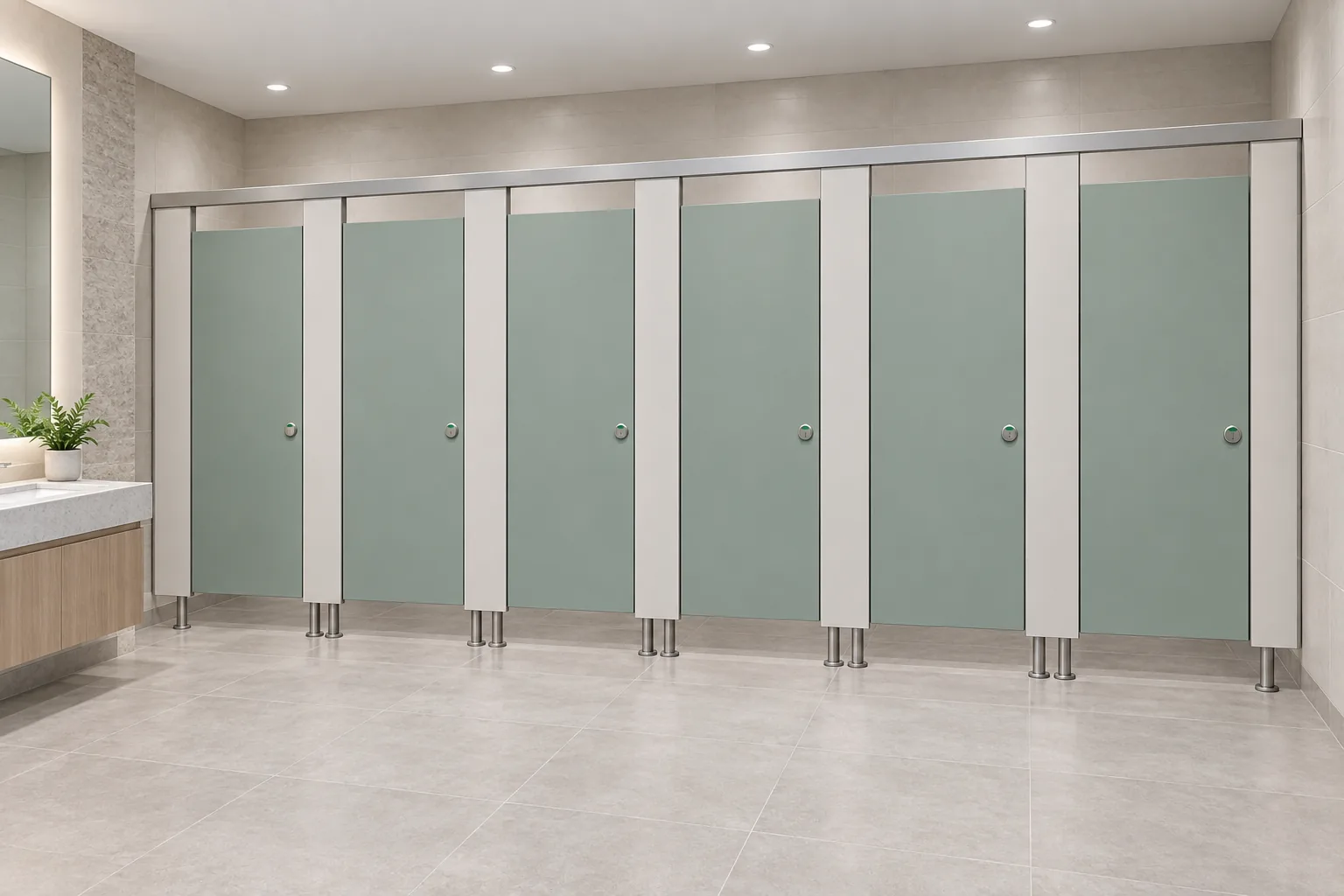
Material, hardware, dimensions, finishes, mounting and ratings are project-specific. They require matching approved technical evidence. The model may carry placeholders, but placeholders must not be read as confirmed values.
Coordination Checks Before Handover
The aim is to surface conflicts early, not to resolve them with assumptions.
Layout and privacy review
Check cubicle envelopes against the architectural layout. Review sightlines, door positions and circulation. Privacy expectations vary by project and jurisdiction, so record the review outcome rather than asserting compliance.
Door operation and support interfaces
Door operation should be reviewed as a coordination item. Support interfaces should be checked against structural and services drawings. Any fixing, mounting or support detail requires project-specific evidence before it is treated as final.
Cleaning and maintenance documentation
Cleaning access and maintenance routes should be documented in the handover pack. The model can indicate access zones, but the cleaning method and frequency remain project decisions.
Handover Checklist for Project Teams
Use this checklist to structure the review. It is a planning aid, not a compliance certificate.
| Item | Review question | Evidence status |
|---|---|---|
| Layout | Does the model match the approved architectural layout? | Project-specific |
| Privacy | Have sightlines and door positions been reviewed? | Project-specific |
| Door operation | Is the operation direction coordinated with adjacent trades? | Project-specific |
| Support interfaces | Are interface locations confirmed by the responsible engineer? | Project-specific |
| Cleaning access | Is access documented for the facilities team? | Project-specific |
| Local requirements | Have applicable local requirements been identified? | Project-specific |
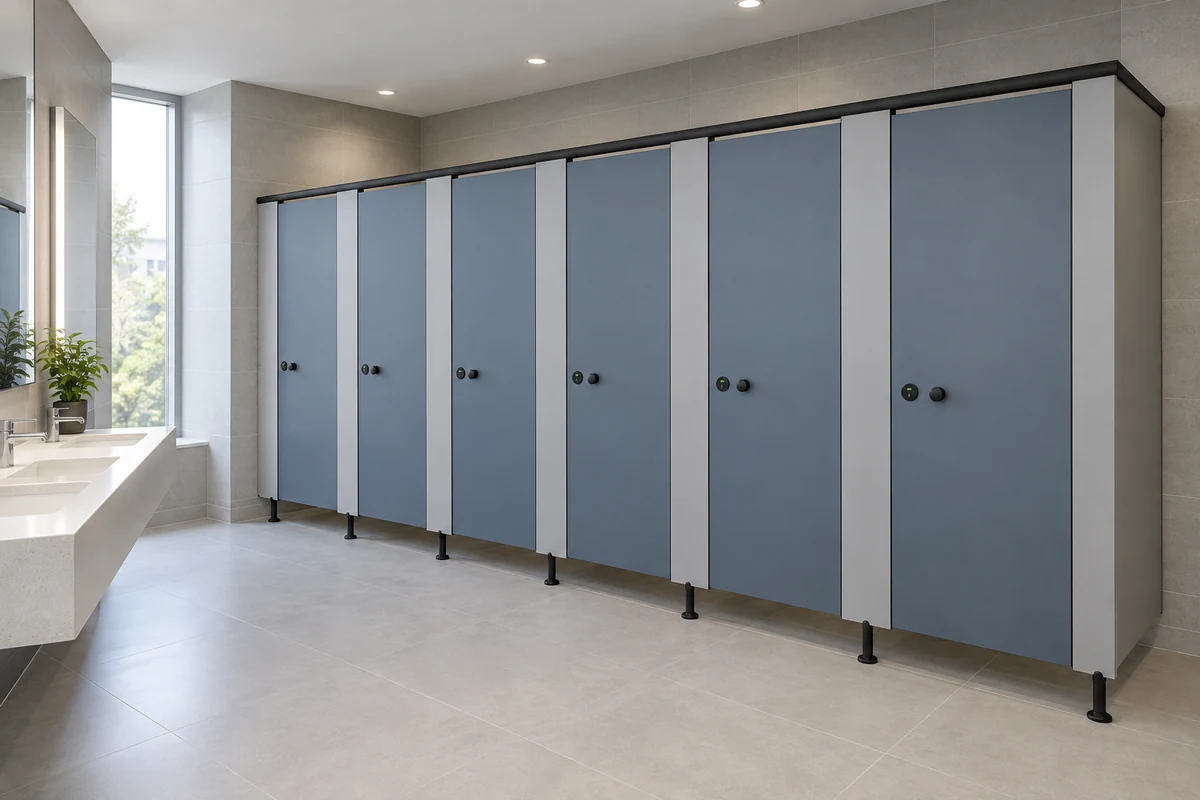
Common Handover Mistakes to Avoid
Most handover problems come from treating model content as confirmed fact. Avoid these patterns.
- Assuming a generic object carries a specific material or finish.
- Reading a door swing symbol as a hardware specification.
- Using an illustration to infer hidden construction or performance.
- Publishing unverified dimensions or ratings in the handover pack.
- Leaving support interface ownership undefined.
When in doubt, flag the item and request approved technical evidence. A clear open item is safer than a false confirmation.
Documentation and Revision Control
Handover data changes as the project develops. Keep a revision log that records what changed, who reviewed it, and which evidence supports it. This helps the project team trace decisions during construction and after completion.
Evidence note
Only maintained product facts and project-specific approved evidence can confirm material, hardware, dimension, finish, mounting or rating. Illustrations show generic design references, not completed EBUNGE customer projects.
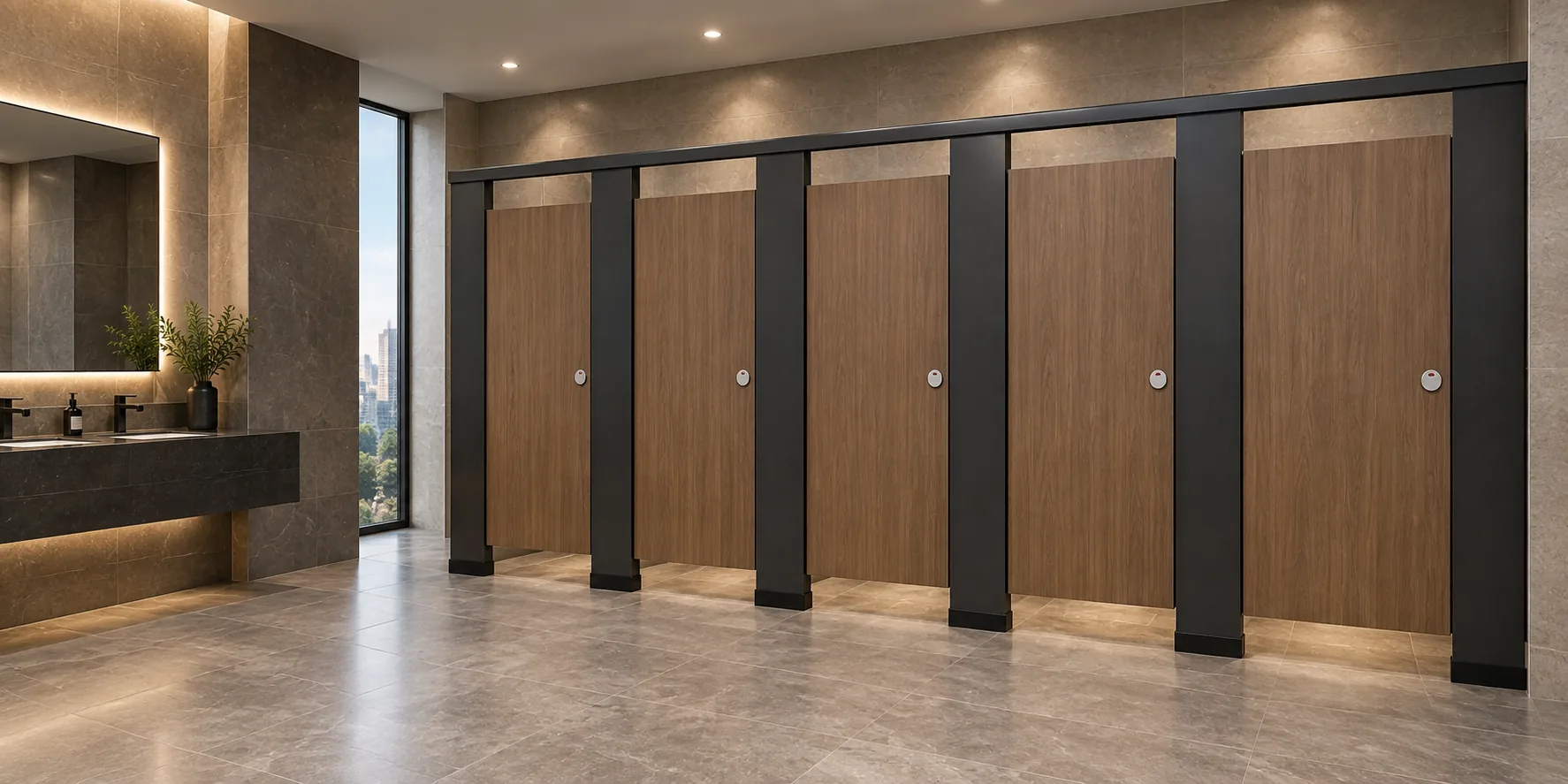
For product category context, see the EBUNGE product range. For broader planning guidance, visit the resources section. To discuss a project-specific review, use the contact page.
FAQ: Toilet Partition Hardware BIM Handover
What is toilet partition hardware BIM handover?
It is the process of transferring coordinated model data about toilet partition layouts, door operation, support interfaces and cleaning access to the project team. It supports review but does not replace approved technical evidence.
Can the BIM model confirm material or finish?
No. Material, finish, hardware, dimensions, mounting and ratings are project-specific and require matching approved technical evidence. The model may carry placeholders only.
How should door operation be documented?
Document door operation as a coordination item. Review it with adjacent trades and record the outcome. Do not treat a model symbol as a hardware specification.
What support interface information is needed?
Support interface locations should be reviewed by the responsible structural or services engineer. Any fixing or mounting detail requires project-specific evidence before it is treated as final.
Does the model prove compliance with local requirements?
No. Applicable local requirements must be identified and reviewed by the project team. The model is a coordination tool, not a compliance certificate.
What should be included in the handover pack?
Include the reviewed model, a revision log, open items, cleaning access notes and references to approved technical evidence. Keep unverified fields clearly flagged.
Conclusion and Next Steps
Toilet partition hardware BIM handover works when the model is treated as a coordination tool and every project-specific claim is backed by approved evidence. Review layouts, privacy, door operation, support interfaces, cleaning documentation and applicable local requirements with the responsible disciplines.
For project-specific material, hardware, dimension, finish, mounting or rating questions, request matching approved technical evidence. To start a review, contact the EBUNGE team.