
BIM Coordination Rules for Toilet Partition Hardware in Shared Models
Quick answer: toilet partition
Toilet partition hardware BIM coordination rules exist to stop shared models from drifting into assumptions. When a cubicle family is placed without a defined review path, the model can imply materials, fixing positions or clearances that no approved document supports. This guide sets out an evidence-bounded framework for project teams. It does not replace project-specific technical evidence, and it does not confirm compliance with any local requirement.
EBUNGE product category includes commercial Toilet Partition / Toilet Cubicle. That is the confirmed product context. Everything else in a shared model — material, hardware, dimension, finish, mounting or rating — must be matched to approved technical evidence for the specific project. Illustrations show generic design references, not completed EBUNGE customer projects.
Why Shared Models Need Explicit Coordination Rules
A shared model is a communication tool, not a specification. Once a partition family is loaded into a federated environment, other disciplines may treat its geometry as settled. The project team should confirm project-specific requirements against the relevant approved technical evidence. MEP teams may route services through a zone that appears clear. Interior teams may schedule finishes from a generic object.
Coordination rules reduce that risk by defining what the model may and may not assert. The rules should state which parameters are project-confirmed, which remain placeholders, and who is responsible for closing each gap.
Separate model status from product status
A model element can be geometrically coordinated while its product configuration is still unresolved. Teams should label these states separately. A coordinated layout does not confirm a material choice, a hardware set or a mounting method.
Keep a visible evidence register
Each partition type in the model should link to a register of approved documents. The register records what has been confirmed and what remains open. This prevents a generic object from being read as a final specification.
Define the Review Scope Before Geometry Is Placed
Project teams should agree the review scope early. The scope normally covers layouts, privacy, door operation, support interfaces, cleaning documentation and applicable local requirements. Each item needs an owner and a review stage.
This is a planning boundary, not a compliance statement. Reviewing these items does not assert that a design meets any code, standard or authority requirement. It simply makes the open questions visible before they are buried in a federated model.
Layout and privacy review
Layout review checks cubicle arrangement, circulation and the relationship between partitions and adjacent elements. Privacy review considers sightlines and the interface between doors, panels and fixed construction. Both reviews depend on project-specific dimensions that must come from approved evidence.
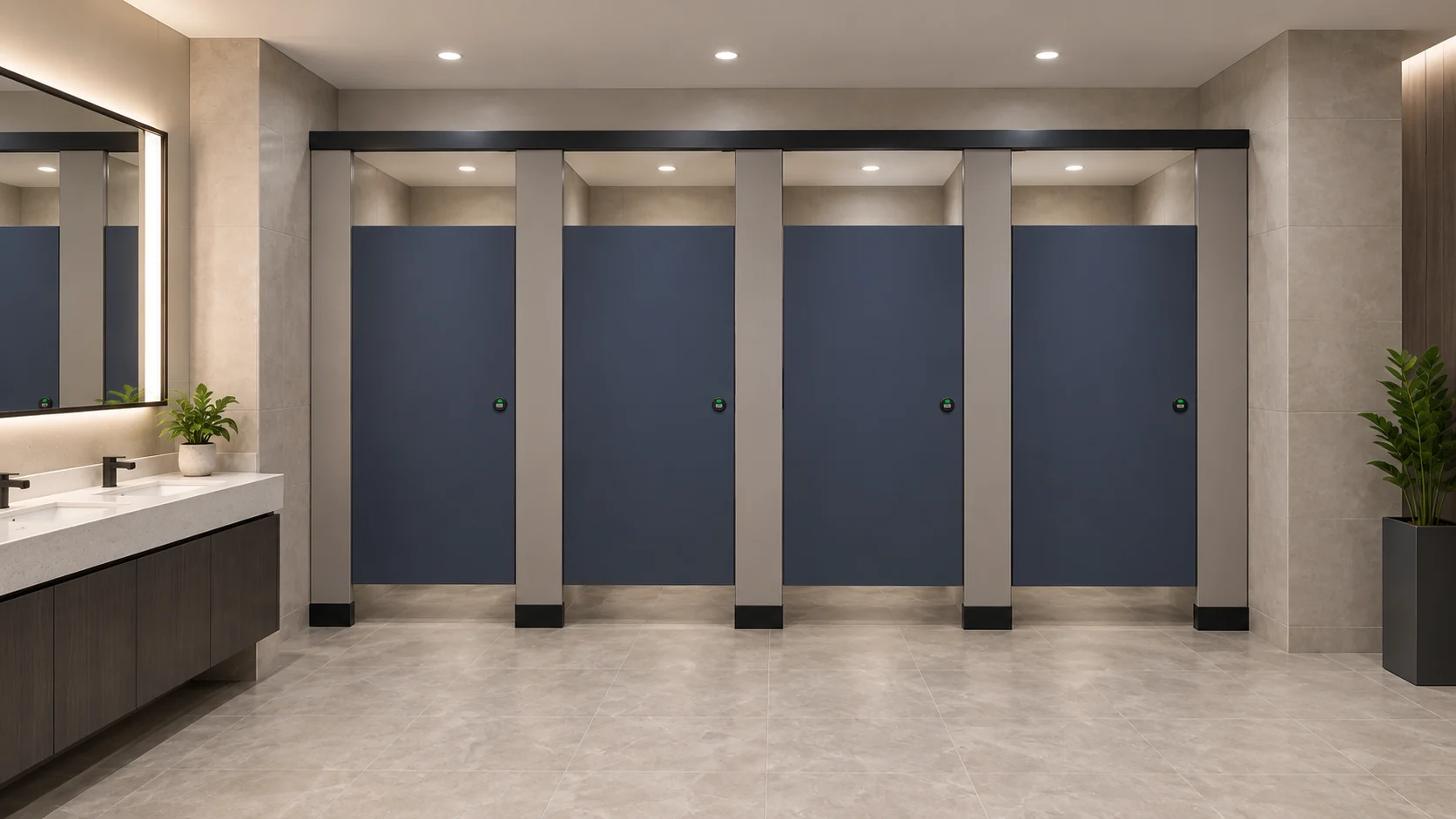
Door operation review
Door operation review examines swing, clearance and the interaction between door hardware and surrounding elements. The model should not imply a hardware type or fixing detail that has not been confirmed for the project.
A Numbered Process for Coordinating Partition Hardware
- Confirm the product context. Record that the project uses commercial Toilet Partition / Toilet Cubicle and identify the approved technical evidence path.
- Set model status labels. Mark each partition element as placeholder, coordinated or confirmed, and define who may change that status.
- Map support interfaces. Identify where partitions meet structure, walls, floors and adjacent services, and flag every interface that needs project-specific confirmation.
- Review door operation. Check swing, clearance and hardware interaction against approved project information, not against generic model geometry.
- Review cleaning documentation. Confirm that cleaning access and maintenance routes are described in project documents, without asserting performance or compliance.
- Check local requirements. List applicable local requirements as open items for the project team to verify through the correct authority or consultant.
- Close the loop. Update the evidence register and reissue the model only when approved evidence supports the change.
Support Interfaces Are the Most Common Coordination Gap
Support interfaces connect the partition system to the building. They include floor fixings, wall connections, head fixings and any relationship with raised floors, ceilings or service zones. In a shared model, these interfaces are often shown as simple geometry.
That simplicity can mislead. A generic connection detail does not confirm a mounting method, a fixing type or a load path. Any project-specific mounting or rating requires matching approved technical evidence. Until that evidence exists, the interface should remain flagged as unresolved.
Interface checklist for model reviewers
- Is each support interface linked to an approved project document?
- Are unresolved interfaces visibly flagged rather than hidden in a generic family?
- Has the structural team confirmed the interface zone in writing?
- Are service routes kept clear of partition zones that are still unconfirmed?
- Does the model avoid implying a fixing type that no document supports?
Material and Hardware Assumptions to Avoid
HPL, compact laminate, phenolic and stainless steel are not interchangeable. They should not be treated as equivalent in a shared model, and hidden construction should not be inferred from an illustration. A model object that looks like one material does not confirm that material for the project.
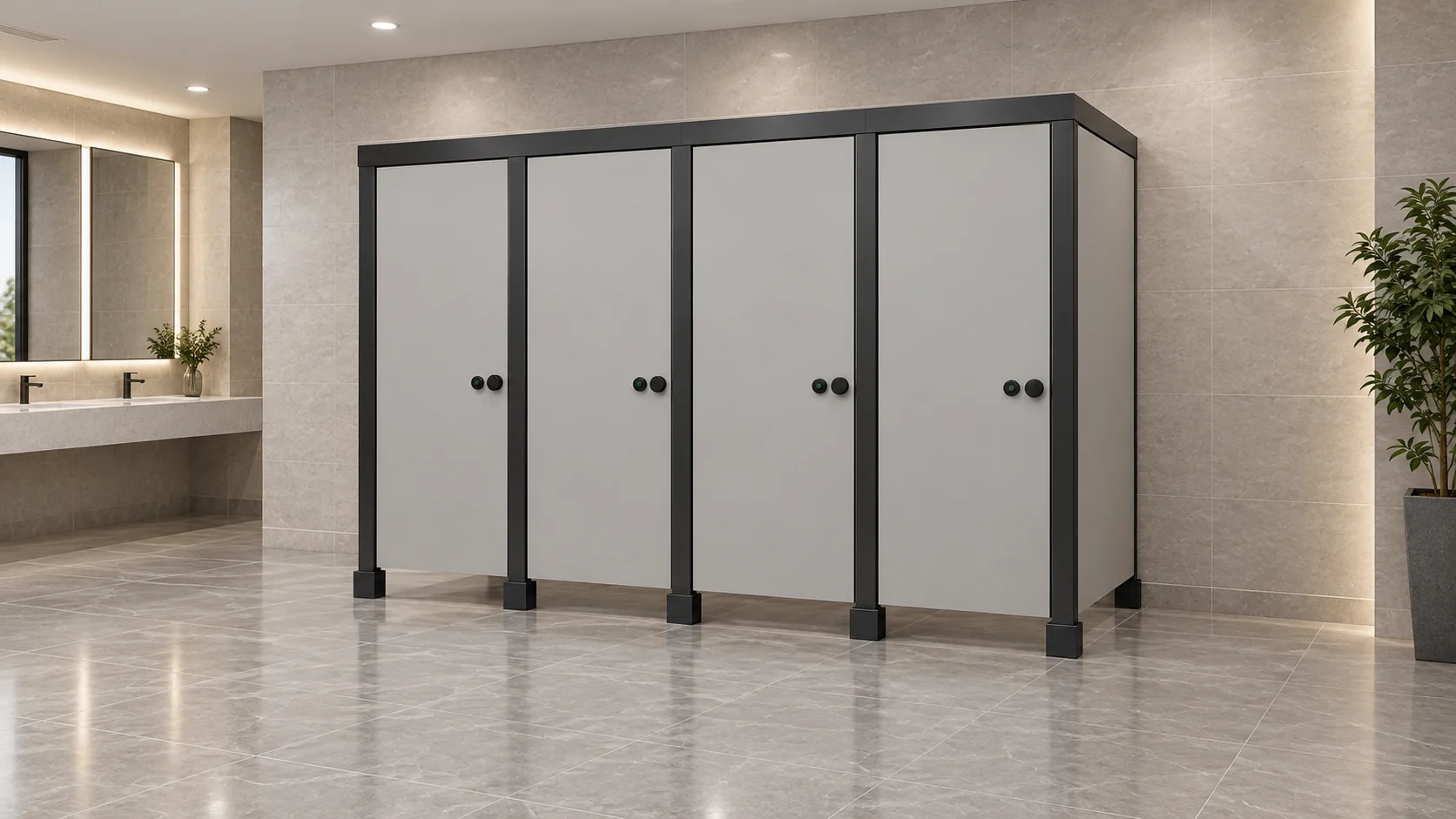
The same rule applies to hardware. A door shown with a generic hinge or latch does not confirm a hardware set. Hardware selection belongs to the project-specific evidence path, alongside dimensions, finishes and mounting details.
What the model may show
The model may show generic design references for coordination. It may show placeholder geometry for review. It may show zones that require confirmation. It should not present a project-specific configuration, material, hardware detail, dimension, rating or drawing rule as a general product fact.
What the model must not claim
Those claims require separate approved evidence and are outside the scope of a coordination model.
Documentation, Cleaning and Local Requirements
Cleaning documentation helps facility teams understand access and maintenance expectations. In a coordination model, the relevant question is whether the project documents describe those routes clearly. The model itself should not assert a cleaning performance result.
Applicable local requirements vary by jurisdiction and project type. The project team should list them as open items and verify them through the appropriate consultant or authority. A shared model is not a compliance certificate, and coordination review does not replace formal approval.
Evidence note
This article uses one confirmed product fact: EBUNGE product category includes commercial Toilet Partition / Toilet Cubicle. All other project-specific material, hardware, dimension, finish, mounting and rating statements require matching approved technical evidence. Illustrations show generic design references, not completed EBUNGE customer projects.
Frequently Asked Questions
What are toilet partition hardware BIM coordination rules?
They are project-team rules for how partition elements, hardware zones and support interfaces are represented and reviewed in a shared model. They define model status, review ownership and evidence links. They do not confirm product performance or compliance.

Can a shared model confirm a partition material?
No. A model object may show a generic design reference, but it does not confirm a material. HPL, compact laminate, phenolic and stainless steel are not interchangeable, and hidden construction should not be inferred from an illustration.
How should support interfaces be coordinated?
Each support interface should be linked to approved project evidence and flagged until confirmed. Structural and MEP teams should agree the interface zone in writing. A generic connection detail does not confirm a mounting method or fixing type.
Do coordination rules replace local compliance checks?
No. Coordination review makes open questions visible, but it does not assert compliance. Applicable local requirements must be verified through the correct consultant or authority for the specific project.
What should be excluded from a partition model?
Also exclude any implication that toilet cubicles are movable operable walls with travel, stacking or parking mechanisms.
Where can project teams find product context?
Teams can review the EBUNGE product range for category context and use the resources section for general guidance. Project-specific questions should be raised through contact so they can be matched to approved evidence.
Conclusion: Coordinate the Questions, Not Just the Geometry
Good coordination does not pretend that every answer is known. It records what is confirmed, what is open and who owns each item. For toilet partition hardware in shared models, that means separating model status from product status, linking every interface to approved evidence, and keeping material and hardware assumptions visible.
EBUNGE product category includes commercial Toilet Partition / Toilet Cubicle. For project-specific material, hardware, dimension, finish, mounting or rating questions, teams should work from approved technical evidence and applicable local requirements. To discuss a project or request the correct documentation path, contact the EBUNGE team.